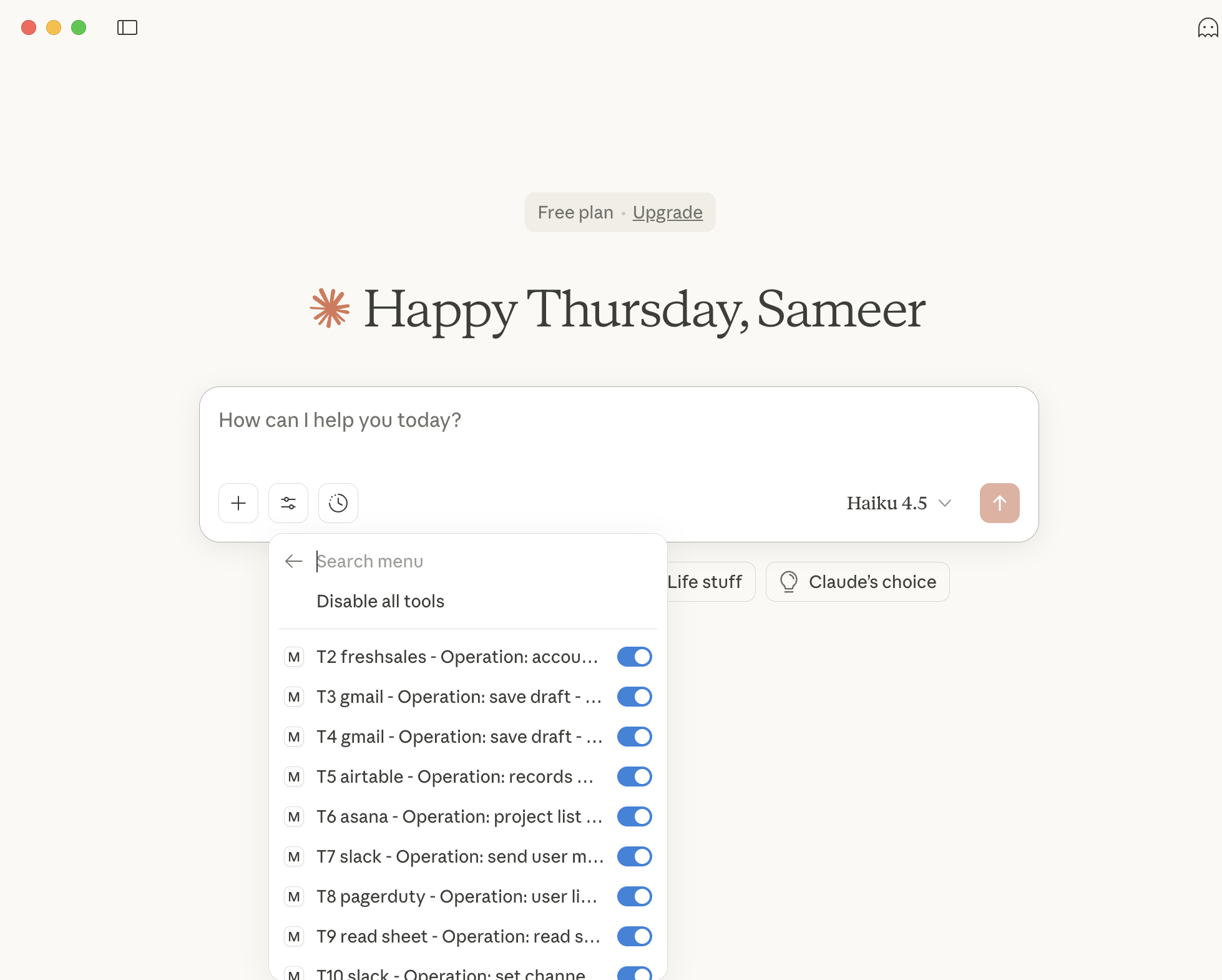
Integrate with popular LLM clients
Fynd Boltic MCP allows you to connect any LLM or AI agent to your MCP server and integrate with it in real-time.
-
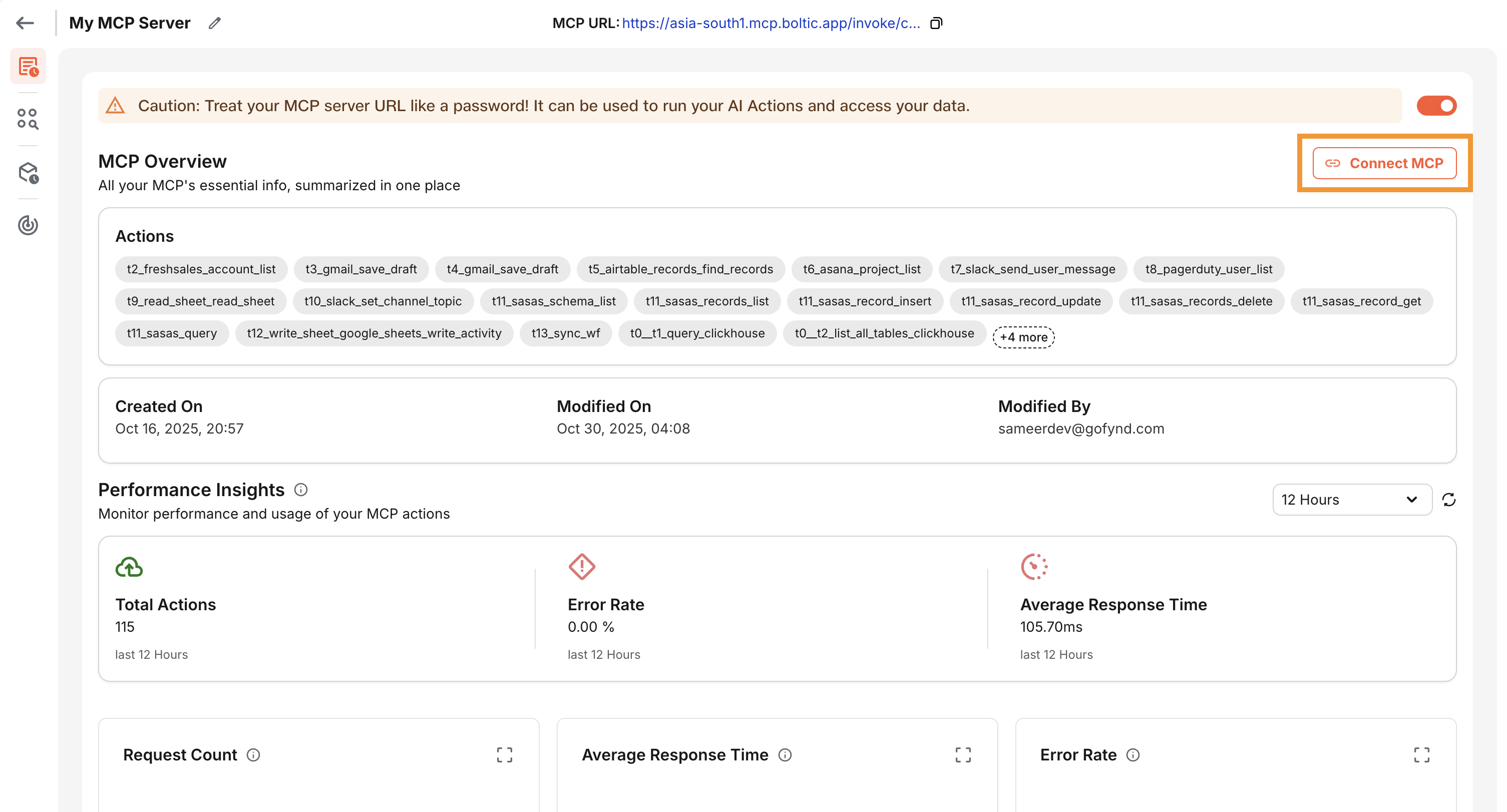
Once you have created your MCP server, go the the Overview page of your MCP server and click on Connect MCP
-
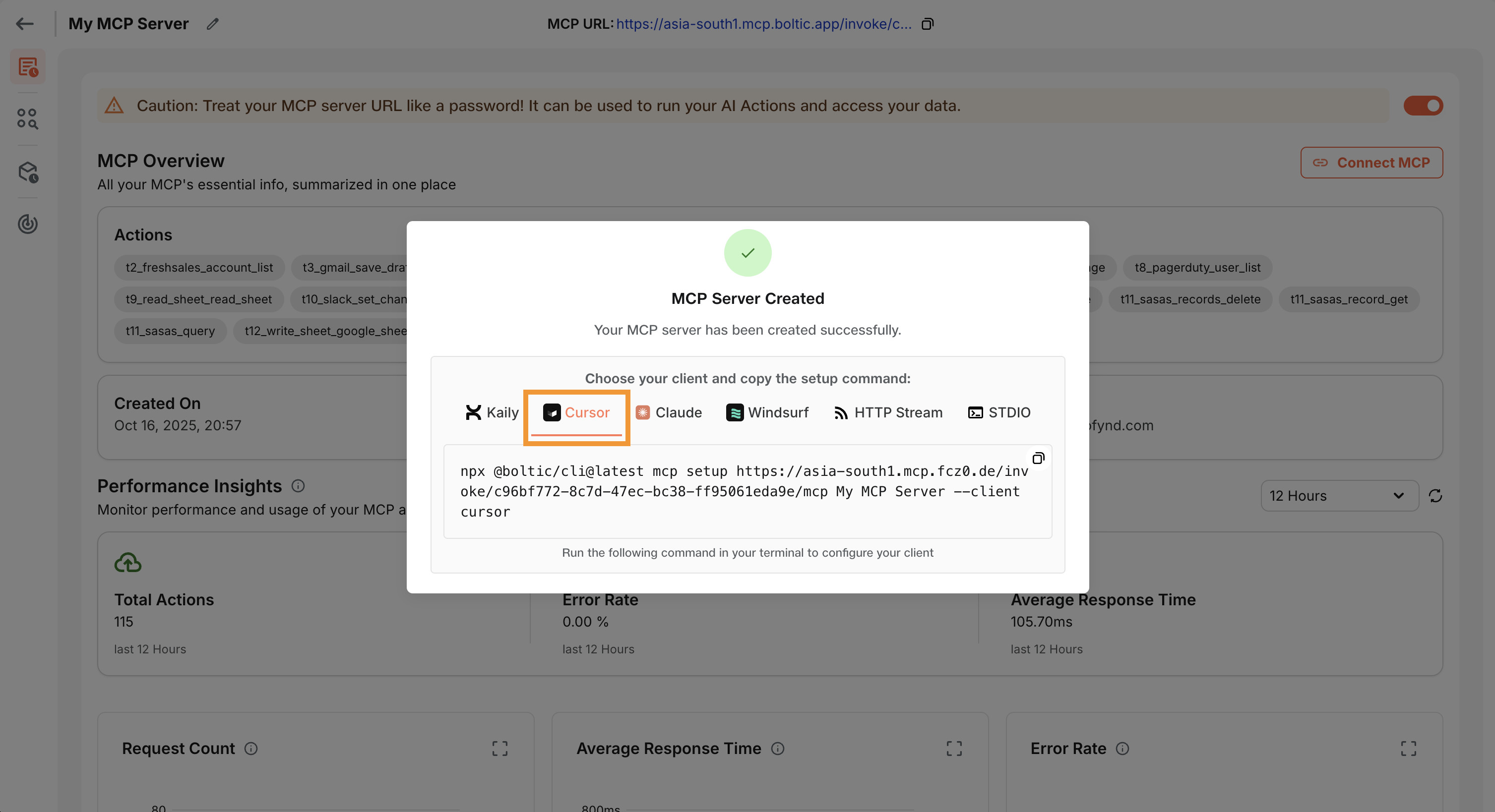
You should now be able to see a pop-up window with the connection details for various clients such as Claude, Cursor, and more.
tip
When connecting to a local MCP Client like Claude Desktop or Cursor, using the above connection details, make sure you have Node v20+ installed on your machine or else the above instructions will fail to run.
-
Once you have connected your LLM or AI agent to your MCP server, you can start using it to call your actions.