SQL Editor
SQL Editor lets you write and run PostgreSQL-compatible data manipulation SQL queries such as SELECT, INSERT, UPDATE, DELETE, UNION, and UNION ALL. It supports complex queries including sub-queries, joins, and aggregations. You can use query suggestions to complete your SQL, and you can also ask AI to write a query for you.
Use Beautify to format your query for readability.
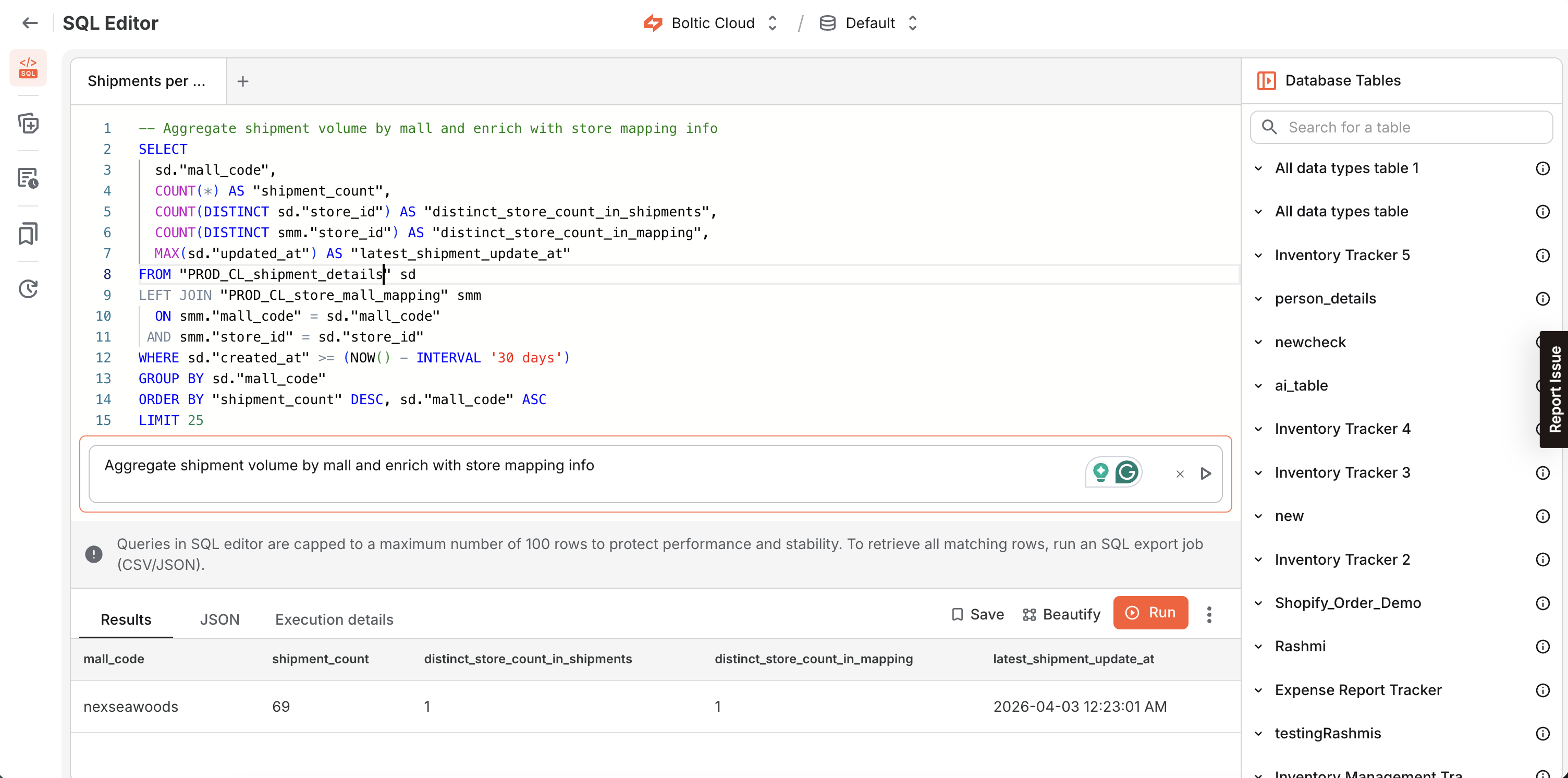
Example syntax for all data types
Boltic Tables column types map to PostgreSQL data types. For the full list of column types in Tables, see the Columns documentation.
When referencing text values, wrap them in single quotes ('...') for SQL compatibility. (See Boltic Tables SQL editor.)
Text
UPDATE orders
SET status = 'shipped'::varchar(255)
WHERE id = 1001;
Long Text
UPDATE orders
SET notes = 'Customer requested gift wrapping. Deliver after 5 PM.'::text
WHERE id = 1001;
Email
UPDATE orders
SET customer_email = '[email protected]'::varchar(254)
WHERE id = 1001;
Number
UPDATE orders
SET item_count = 12::numeric
WHERE id = 1001;
Currency
UPDATE orders
SET total_amount = 1999.99::numeric
WHERE id = 1001;
Phone Number
UPDATE orders
SET phone_number = '+1 (415) 555-0134'::varchar(20)
WHERE id = 1001;
Checkbox
UPDATE orders
SET is_priority = TRUE::bool
WHERE id = 1001;
Link
UPDATE orders
SET tracking_url = 'https://example.com/track/ORDER-1001'::varchar(2048)
WHERE id = 1001;
JSON
UPDATE orders
SET metadata = '{"order_id": 1001, "status": "shipped", "items": [{"sku": "SKU-1", "qty": 2}]}'::json
WHERE id = 1001;
Dropdown
In SQL, dropdown values are stored as a varchar[] (array of varchar). This is commonly represented as _varchar.
UPDATE orders
SET tags = ARRAY['In Progress','Completed']::varchar[]
WHERE id = 1001;
Date Time
UPDATE orders
SET placed_at = '2026-04-07 12:34:56+00'::timestamptz
WHERE id = 1001;
Vector
UPDATE customer_insights
SET interaction_vector = '[0.12, -1.53, 0.03, 0.98]'::vector
WHERE customer_id = 'cust_1001';
Sparse Vector
UPDATE customer_insights
SET interaction_sparse_vector = '{1:0.12, 4:0.98}/8'::sparsevec
WHERE customer_id = 'cust_1001';
Half Vector
UPDATE customer_insights
SET interaction_half_vector = '[0.12, -1.53, 0.03, 0.98]'::halfvec
WHERE customer_id = 'cust_1001';
Encrypted
Encrypted columns are stored as bytea. Use boltic_encrypt() to write encrypted values and boltic_decrypt() to read them back.
UPDATE customer_insights
SET secret_note = boltic_encrypt('VIP customer. Do not share externally.')
WHERE customer_id = 'cust_1001';
SELECT
  customer_id,
  boltic_decrypt(secret_note) AS secret_note
FROM customer_insights
WHERE customer_id = 'cust_1001';
View query results
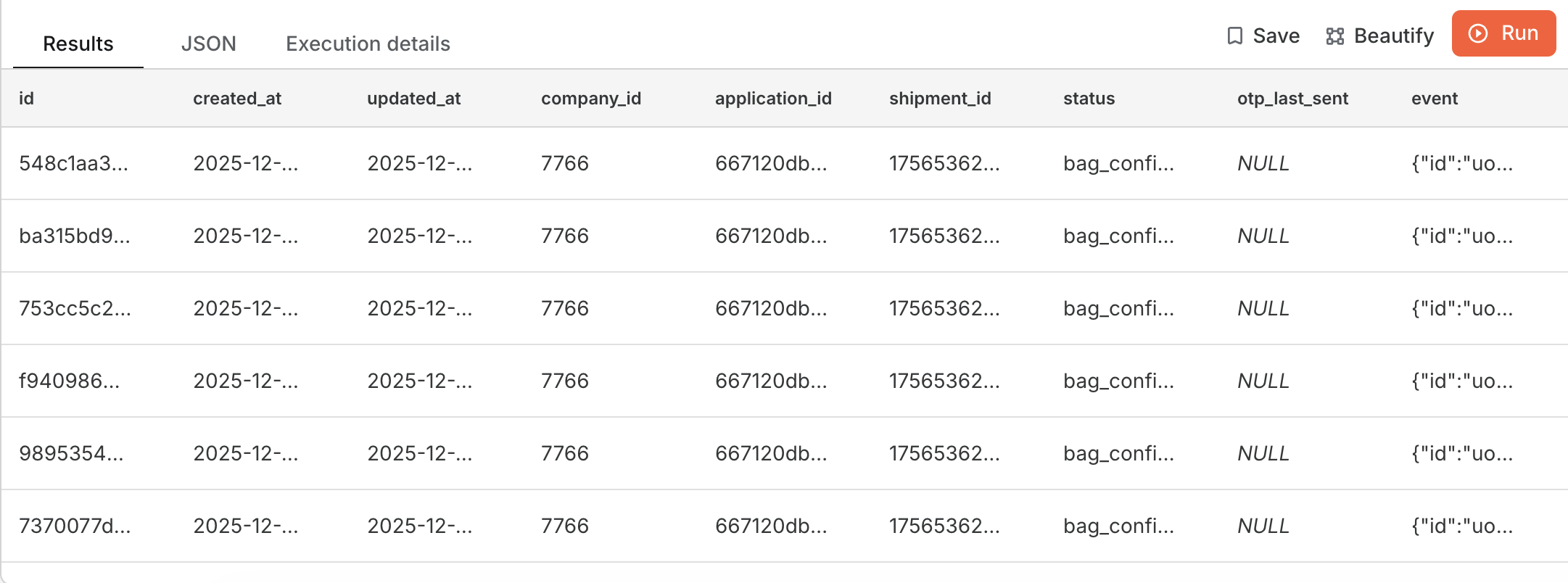
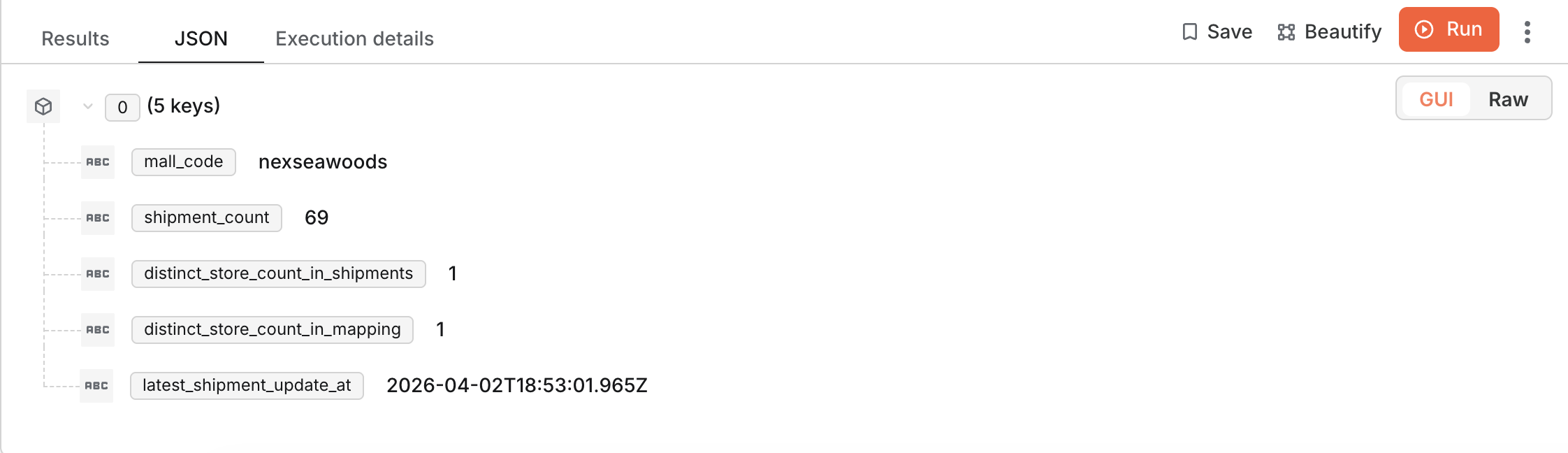
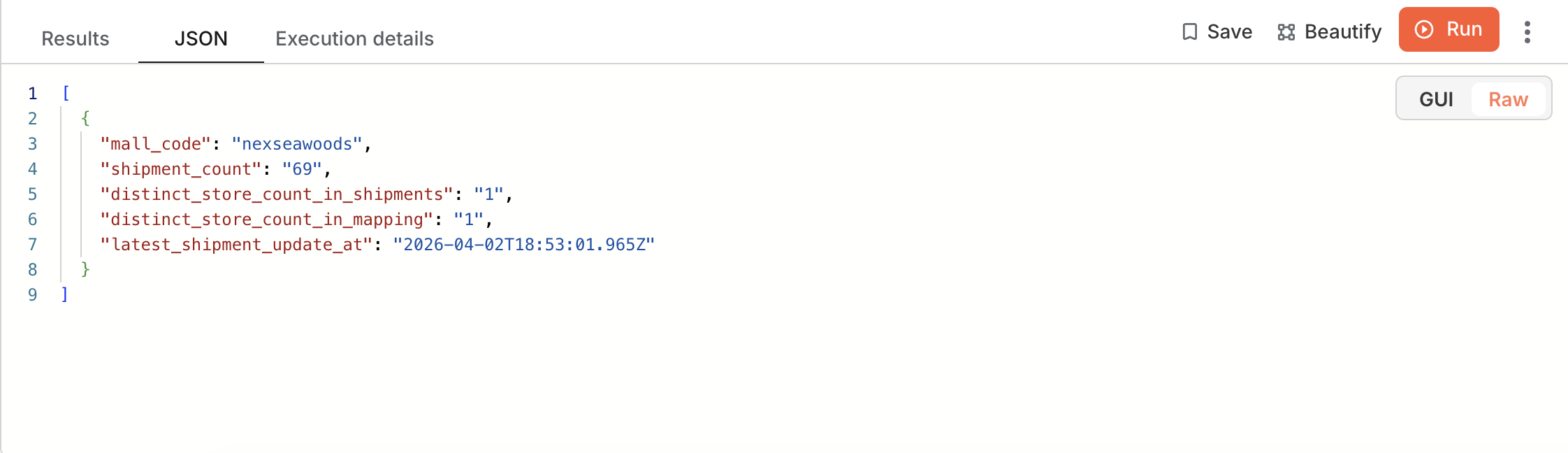
After execution, you can review results and details in multiple formats:
-
Result (table): Tabular output for quick inspection
-
JSON (GUI view): JSON results in a structured GUI view
-
JSON (raw view): Raw JSON output
View execution details
You can also view execution details for your query.
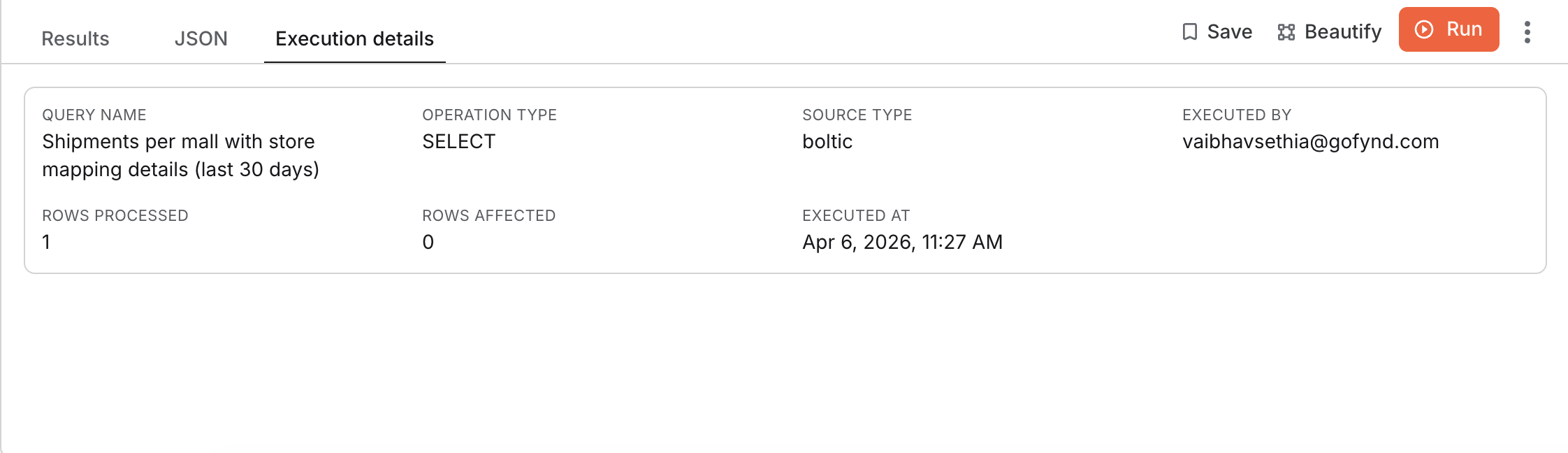
Result row limits
By default, the SQL editor shows at most 100 rows when listing results, even if your query requests a higher limit. This helps prevent accidentally running a read-only query without any limit on large tables.
To access more results, export the query output as a CSV or JSON file. For exports, the SQL editor applies the behaviors below.
| Query has | Behavior | Rows exported |
|---|---|---|
LIMIT 50 | Keeps LIMIT 50 | Up to 50 |
LIMIT 100000 | Caps to LIMIT 100 | Up to 100 |
NOLIMIT | Strips NOLIMIT, adds LIMIT 100 | Up to 100 |
| No LIMIT / no NOLIMIT | Adds LIMIT 100 | Up to 100 |
Troubleshooting Common Issues
| ⚠️ Error Type | Cause | Solution |
|---|---|---|
| Relation does not exist | The table name is misspelled or the table may not exist. | Use double quotes ("table_name") and confirm names in the schema viewer. |
| Column does not exist | Wrong column name or case mismatch. | Use double quotes for case-sensitive column names. |
| Syntax error near... | SQL syntax errors such as missing commas or keywords. | Validate query syntax or use AI-generated SQL. |
| Invalid input syntax for type... | Mismatched data types in query values. | Ensure types match column definitions and use CAST() if needed. |
| Queries returning empty results | Filters too restrictive or incorrect conditions. | Relax filters or use RETURNING * to debug affected rows. |