Export history
SQL Export Jobs let you export the results of read-only SQL queries (only SELECT, UNION, UNION ALL) from the SQL Editor into a downloadable CSV or JSON file.
Exports run asynchronously, so you can continue working without waiting for the job to finish. You can track progress via job status in the SQL Editor’s Export history.
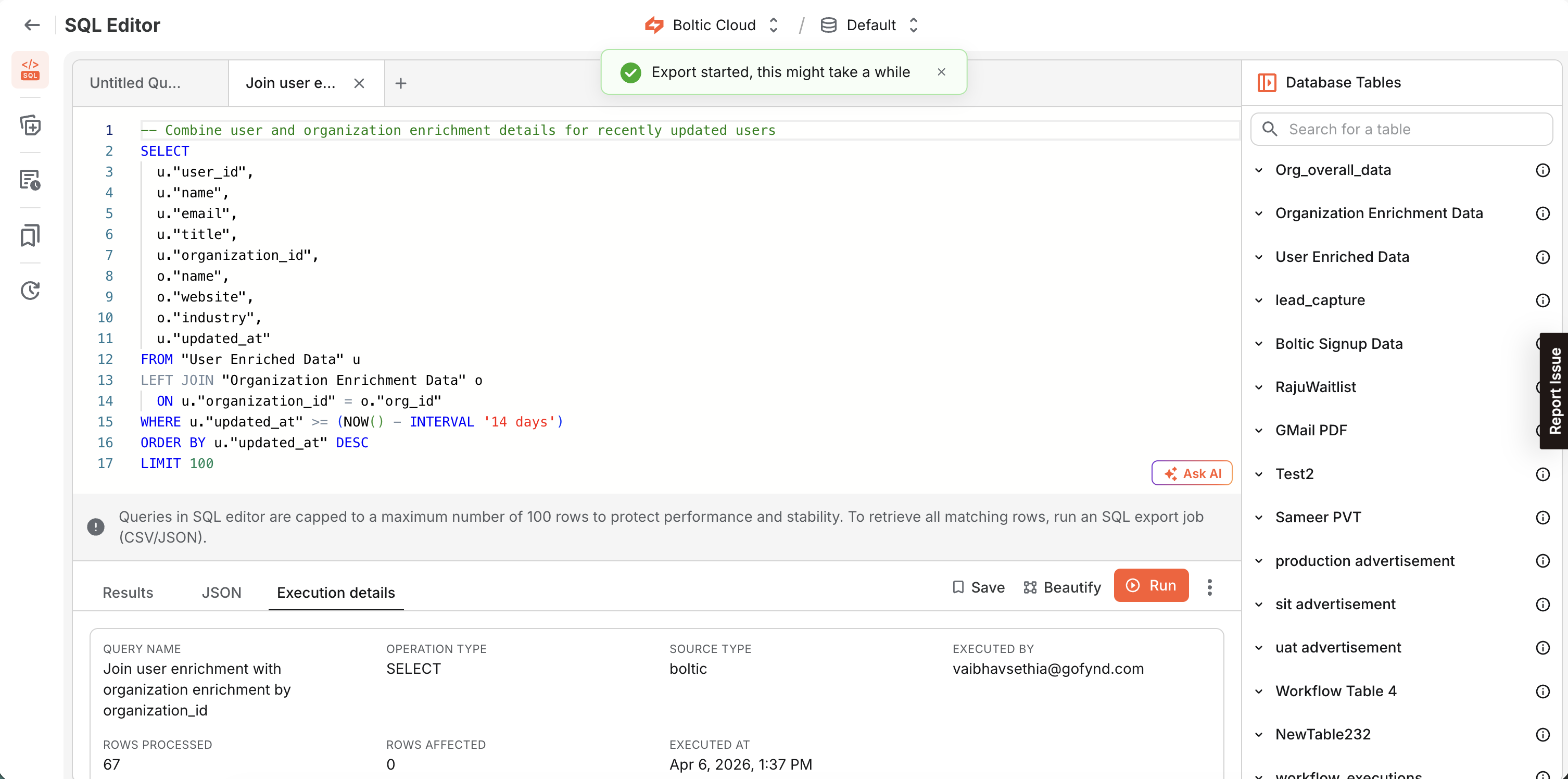
Track and download exports
From SQL Export History, you can:
- Track the export status
- Review the query used for exporting data
- Download the exported file
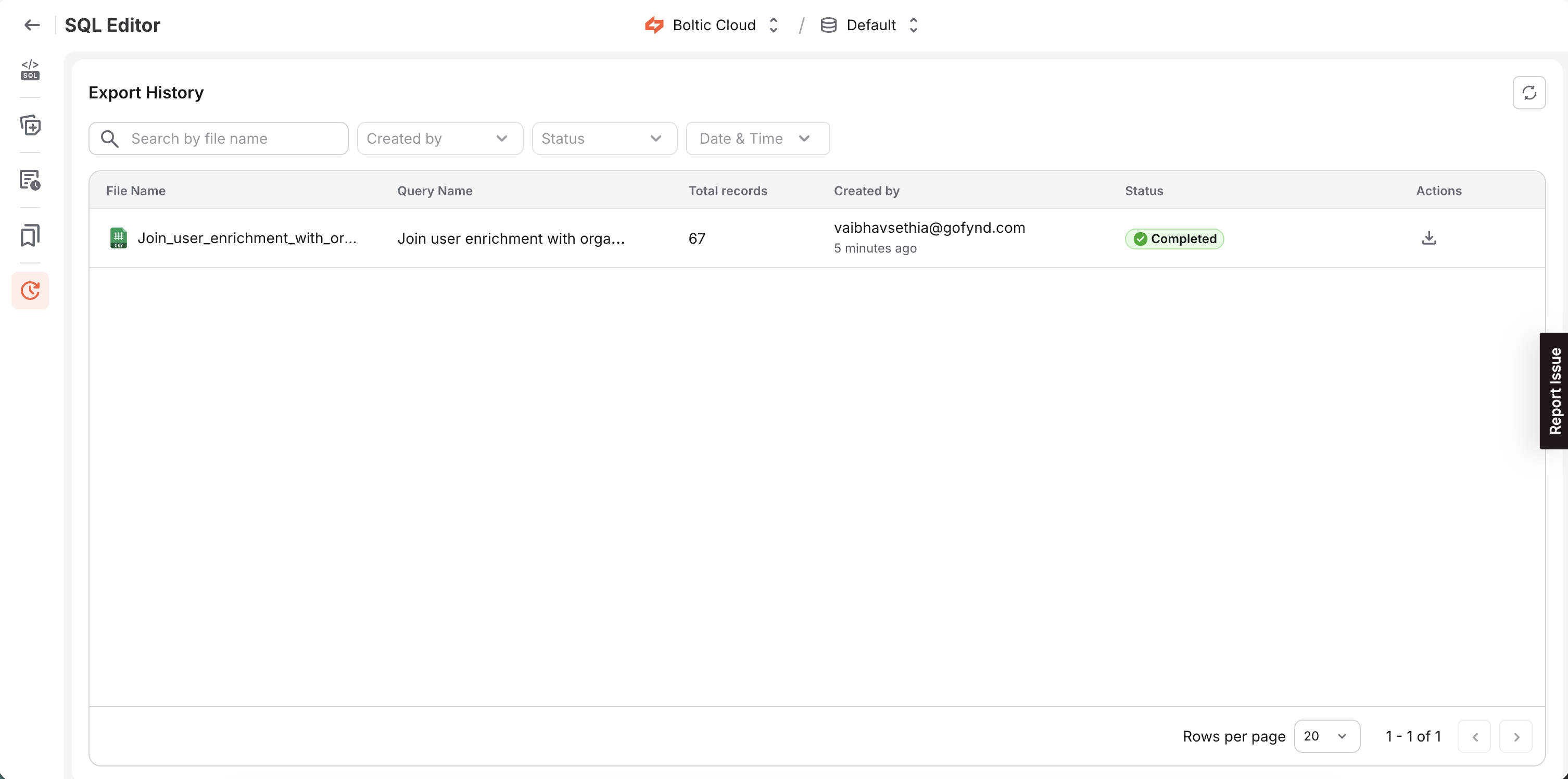
Export options and row behavior
The export behavior depends on the export option you choose and whether the query contains LIMIT or NOLIMIT.
| Export Option | Query has... | Behavior | Rows exported |
|---|---|---|---|
| Export visible records | LIMIT 50 | Keeps LIMIT 50 | Up to 50 |
| Export visible records | LIMIT 100000 | Caps to LIMIT 100 | Up to 100 |
| Export visible records | NOLIMIT | Strips NOLIMIT, adds LIMIT 100 | Up to 100 |
| Export visible records | No LIMIT / no NOLIMIT | Adds LIMIT 100 | Up to 100 |
| Export all | LIMIT 2500 | Respects user limit, paginates up to 2500 rows | Up to 2500 |
| Export all | NOLIMIT | Strips NOLIMIT | All rows (until data exhausted ) |
| Export all | No LIMIT / no NOLIMIT | Same as NOLIMIT | All rows (until data exhausted) |