SQL Editor with AI
Fynd Boltic Database includes an SQL editor you can use to run data manipulation queries on your database. Along with query suggestions, you can use the AI assistant to generate a query from scratch, save and share frequently used queries with your team, and export query results for later.
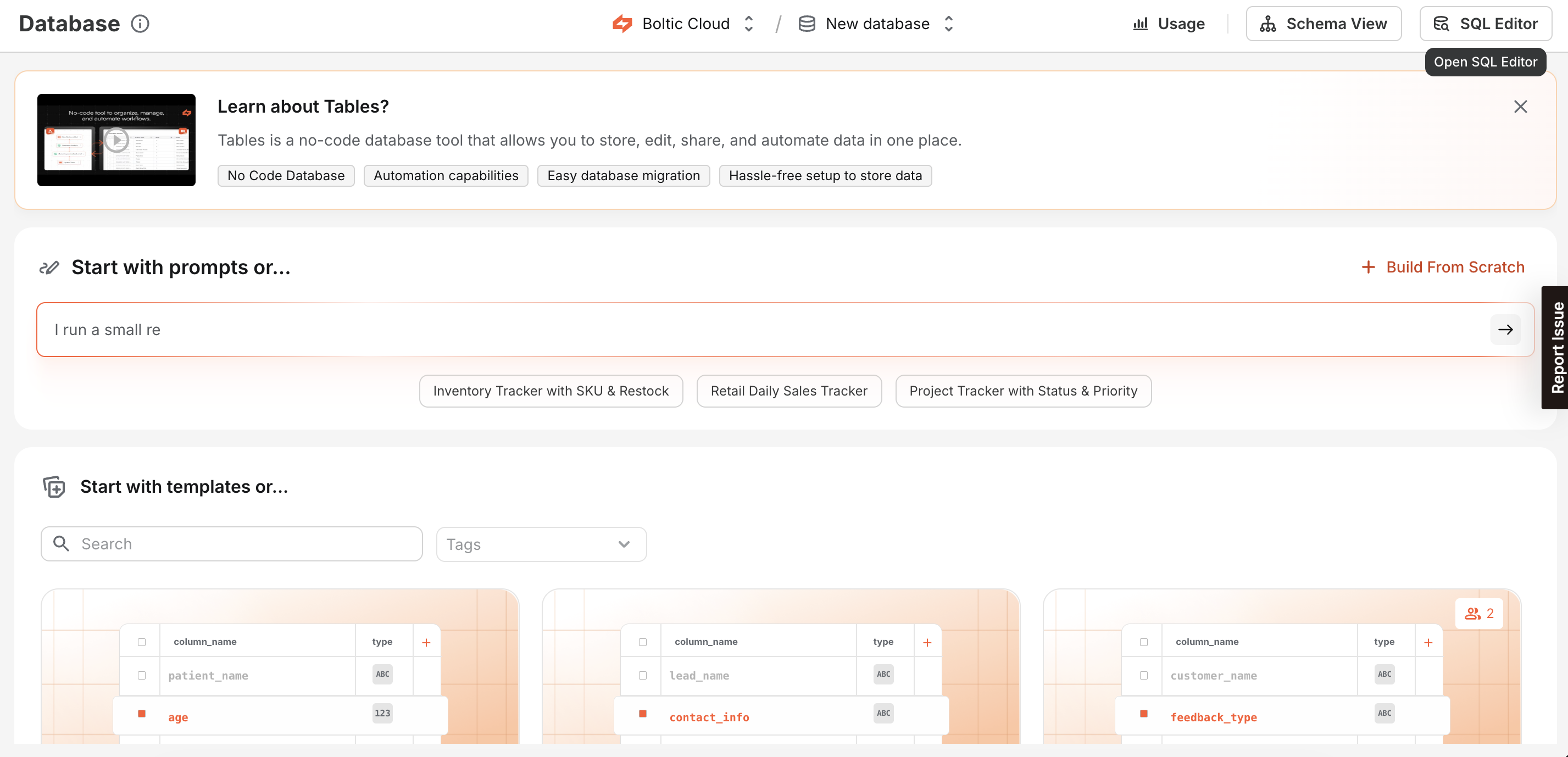
What you can do
- Write and run SQL in the SQL Editor, and review results in table and JSON views.
- Save queries and share them with your team (private vs team access).
- Generate Smart Queries with AI using your database context, then edit and run them in the SQL Editor.
- Export read-only query results (SELECT, UNION, UNION ALL) as CSV or JSON and track export jobs in history.
- Review SQL Execution History across multiple sources in one place.
- Use Schema View to see tables in your database and add columns.