Rerun Monitors
You can use synthetic monitoring's rechecks to rerun a monitor checks. All rechecks begin immediately at a single location. This makes it easy to verify a single failing location or result.
Additionally, all recheck data appears as a standard monitor datapoint and result. This allows you to view monitor checks in context with the overall monitor performance.
View and rerun failed monitor results
The ↻ Rerun button allows you to recheck a failed monitor's results. This is useful when you want to verify a single failing location or result.
To view a failed monitor's results and recheck it:
-
Go to console.fynd.com/boltic > Monitor, then select a monitor.
-
From the monitor's Run History page, use the filter or sort options to select a location indicating Results:
FAILED. -
Review the failed check details, then click ↻ Rerun.
-
To view the updated status, click Run History.
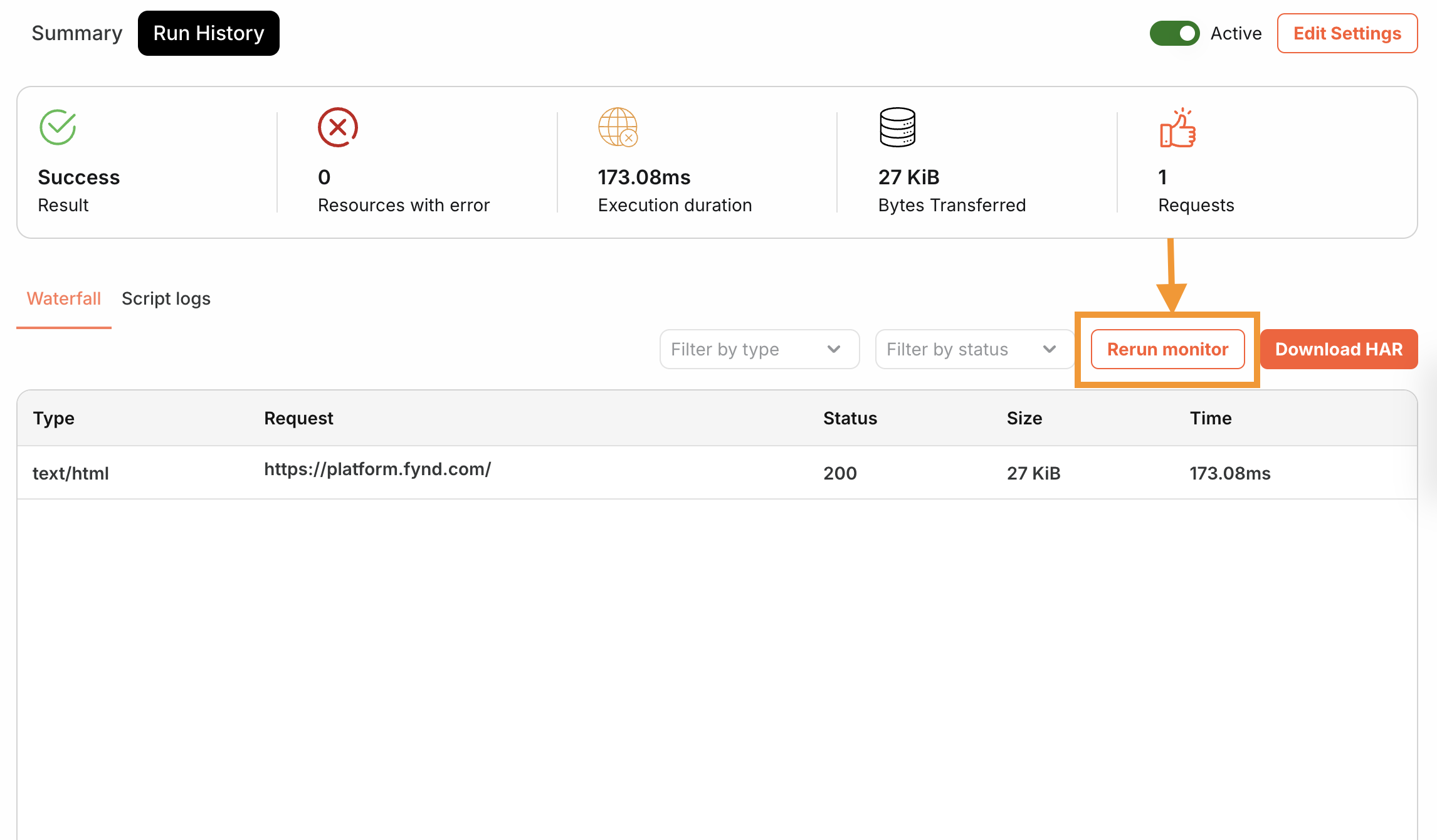
When you click ↻ Rerun, Fynd Boltic triggers an immediate recheck using the result's location and the monitor's current configuration. You should now see the updated status in the Run History page.